

Project Gorgon Linux Optimization Fix Using Proton
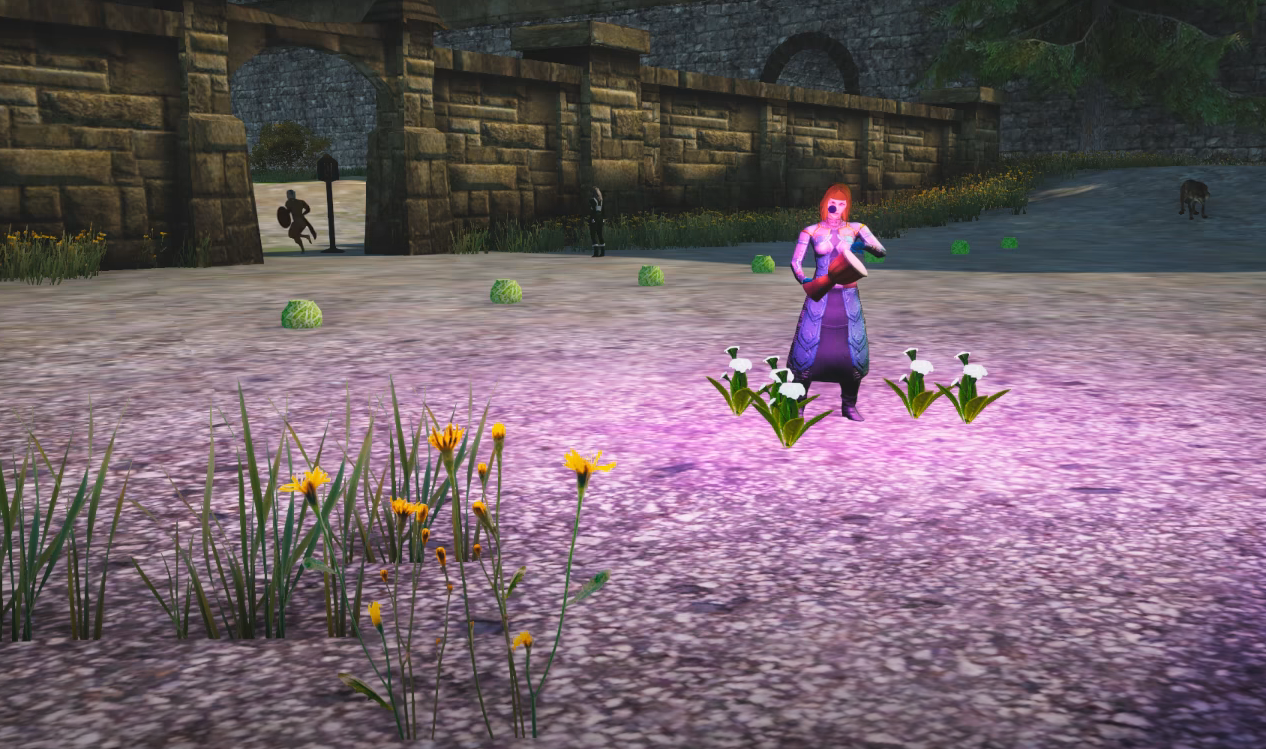
If you are playing Project Gorgon on Linux, you should run the Windows version through Proton instead of using the native Linux client. Multiple players report better FPS, smoother performance in Serbule Keep, and proper water visuals when using Proton 9 or newer. The native client works, but Proton currently performs better for most users.
This is one of those rare cases where the compatibility layer beats the native build.
Why Proton Performs Better Than Native
The native Linux build runs, but it often struggles with certain graphics features. Players report issues like:
Broken or jagged water visuals
Missing or odd bloom lighting
Lower FPS in crowded towns like Serbule Keep
Overall weaker performance in populated areas
When running the Windows build through Proton, many of these problems improve. Water renders correctly, and frame rates are noticeably higher, especially in high traffic zones.
Performance still depends on your hardware. Some players report 80 FPS in low population zones and 25 to 30 FPS in Serbule. That range is fairly normal for Project Gorgon due to optimization limits.
How To Force Proton In Steam
Switching to Proton takes less than a minute.
Open Steam
Right click Project Gorgon
Click Properties
Go to Compatibility
Enable Force the use of a specific Steam Play compatibility tool
Select Proton 9 or the latest available version
Launch the game normally after that. Steam will run the Windows build through Proton instead of the native Linux client.
Recommended Proton Versions
Proton 9 works well for most users. Some players also test Proton GE or other custom Proton builds.
Standard Proton releases are usually stable enough. If you enjoy experimenting, Proton GE can sometimes squeeze out a bit more performance, but results vary by system.
Fixing Water And Graphics Issues
If you still see strange black jagged water or graphical glitches, try adjusting these settings:
Turn off Dynamic Waves
Lower Shadow Distance in congested areas
Reduce bloom if lighting looks too bright
Shadow Distance especially impacts FPS in cities. Lowering it can stabilize performance without heavily degrading visuals.
Expected Performance On Linux
Project Gorgon is not highly optimized. Even on Windows, crowded towns can drop into the 20 to 30 FPS range depending on hardware.
On Linux with Proton:
Low population zones can run smoothly at high FPS
Large cities may drop significantly
Performance is usually better than the native Linux client
The biggest difference most players notice is visual stability and water rendering.
Should You Ever Use The Native Linux Client
The native build is functional. If everything looks correct and performance is acceptable for you, there is no requirement to switch.
However, if you are experiencing:
Water rendering bugs
Bloom or lighting issues
Lower than expected FPS
Proton is currently the better choice for most Linux users.
Running through Proton may sound counterintuitive, but for Project Gorgon, it often delivers smoother gameplay and better visual results than the native client.

For more, check out our Project Gorgon Hub page.